

Switch between sites
This page outlines the steps required to view multiple Solar Analytics site dashboards linked to the same account. This may be required for customers who are monitoring multiple sites using a single Solar Analytics account login.
To view your other sites, simply look for the ‘Switch Sites’ tab located on menu on the left-hand side of your screen. This will allow you to select a different site.
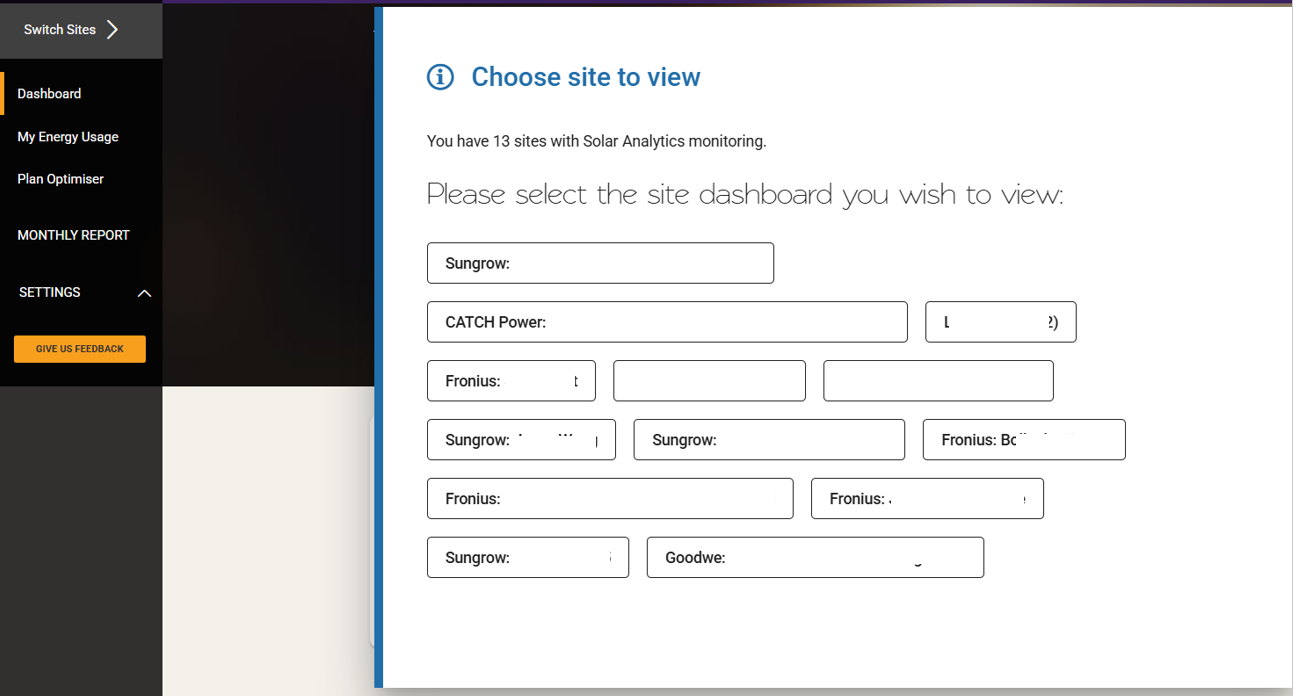
Note: If you have multiple sites but can’t see the ‘Switch Sites’ tab in the menu, please click the CONTACT US button below.
© 2026 CATCH Power & Solar Analytics