

My Profile Page - Overview
Upon starting with Solar Analytics it is important to update your My Profile page. This way you ensure your contact and log in details are correct. You also have the ability to update notification and sharing settings.
You can access the My Profile page by clicking on the ‘My Profile’ tab on the left side of the dashboard.
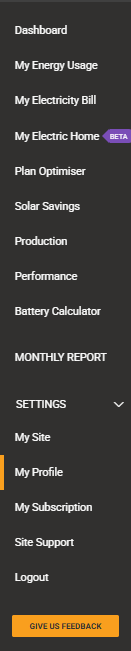
Overview of the My Profile page:
Section titled “Overview of the My Profile page:”My Profile Details
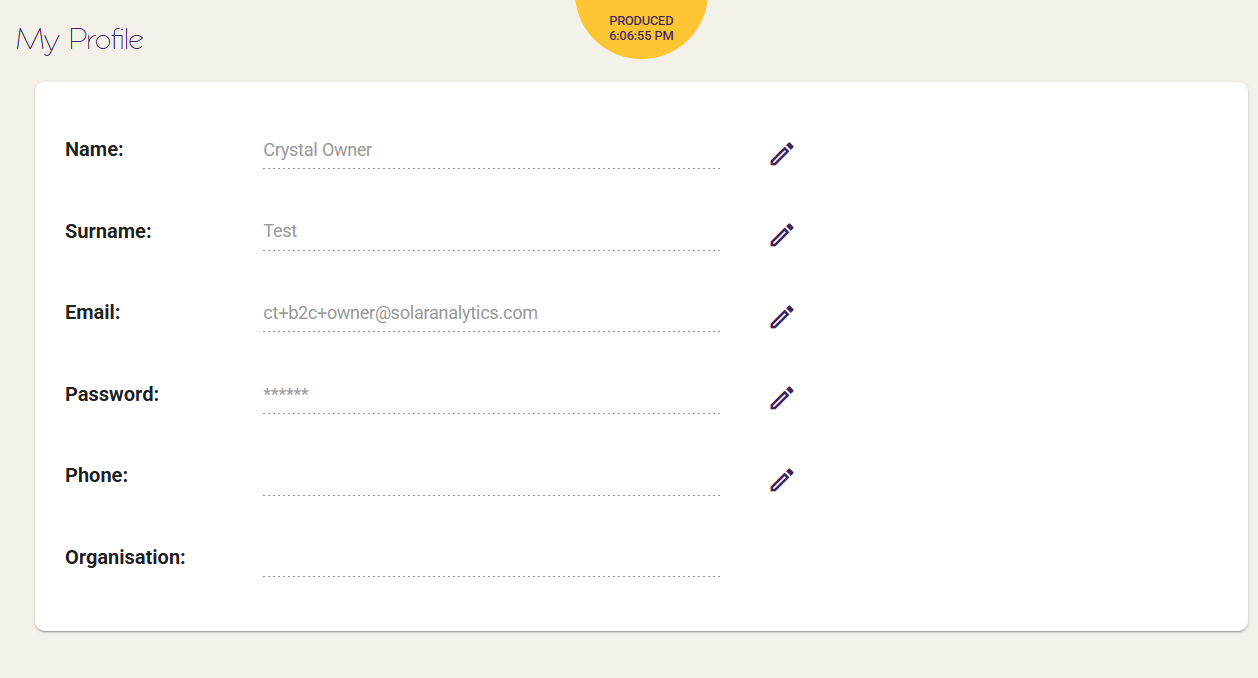
Section titled “My Profile Details”You should update your My Profile details when first logging into the dashboard. You can do this by clicking on the  icon corresponding to each field.
Settings
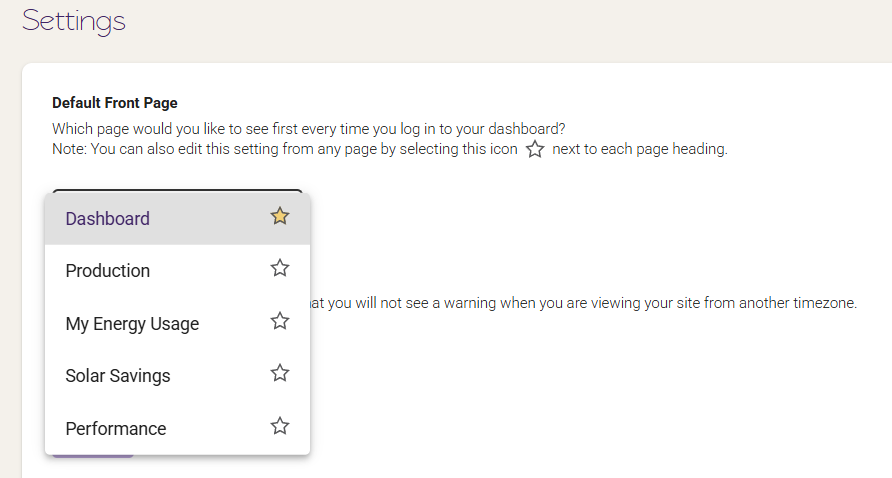
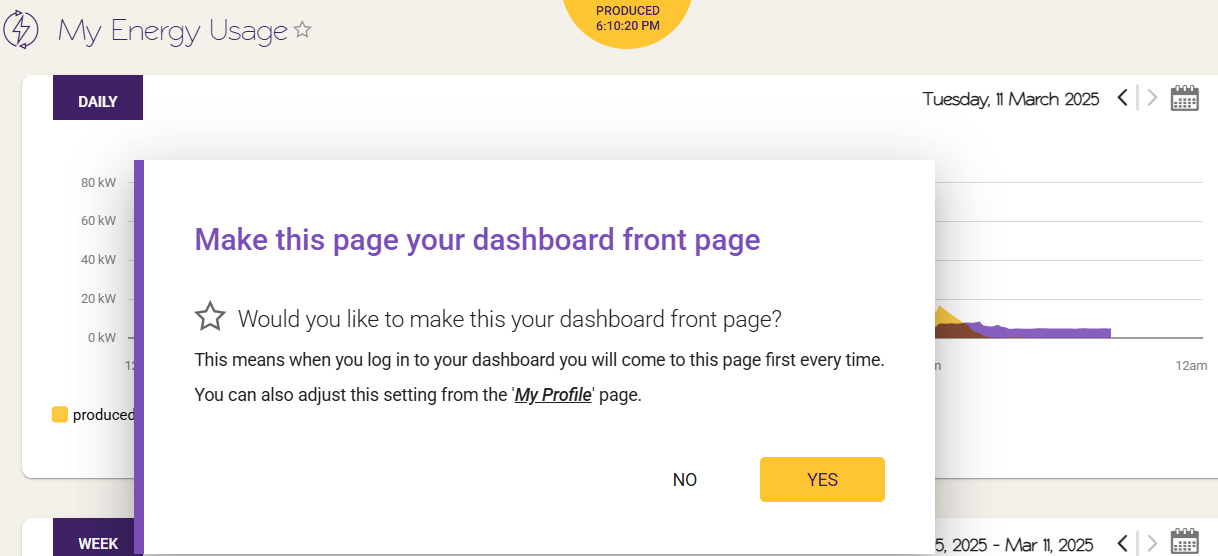
Section titled “Settings”You are able to see which page you would like to see when you log into the dashboard.
Timezone Alert
Section titled “Timezone Alert”By clicking the on/off button here you can turn off timezone notifications.

© 2026 CATCH Power & Solar Analytics