Dashboard - Overview
The dashboard page gives you a summary of everything to do with your system. See an overview of all the new features below!
My Solar Today graph
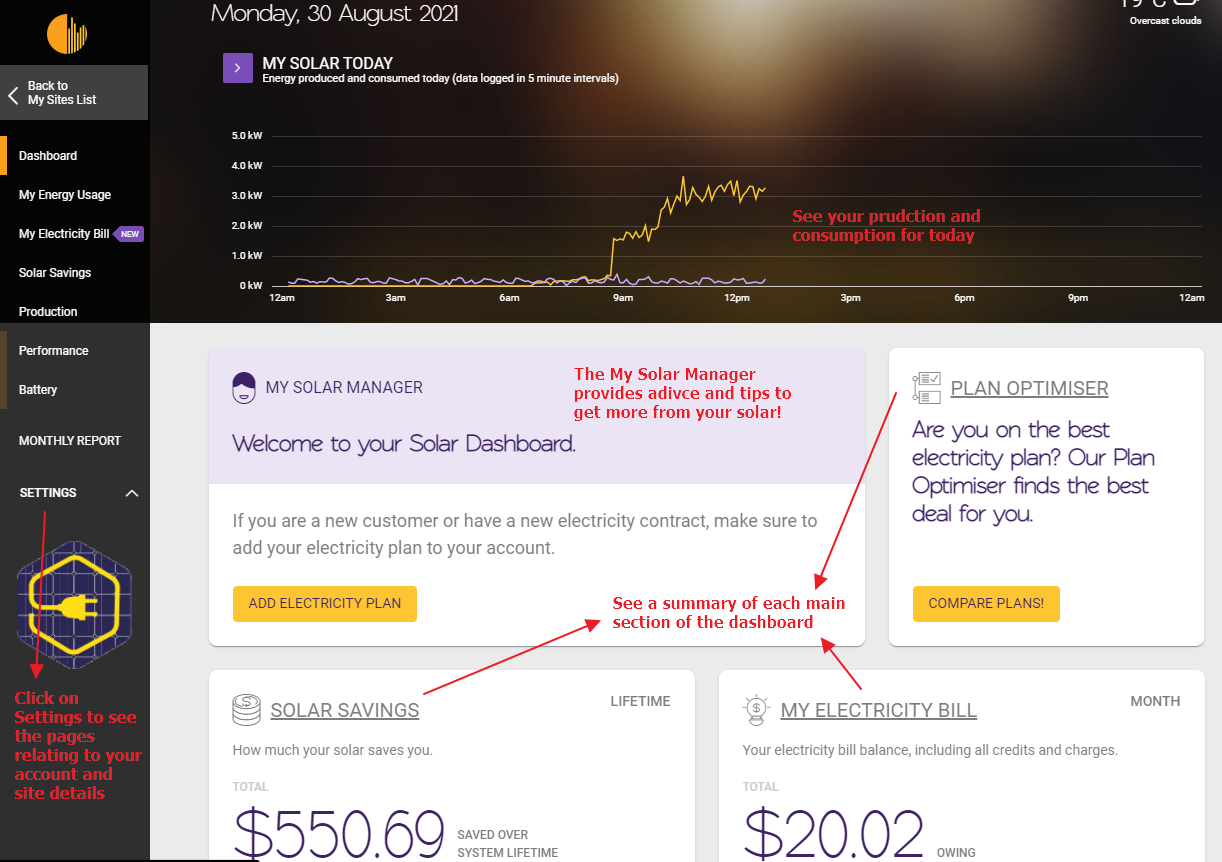
Section titled “My Solar Today graph”Your consumption for the day has now been added to the top graph to give the new My Solar Today graph. Click on the purple arrow before My Solar Today to access the Production page
My Solar Manager
Section titled “My Solar Manager”The My Solar Manager is the new voice of Solar Analytics, giving you tips and tricks throughout the dashboard on how to get more from your solar. If action is required by you, the My Solar Manager will direct you to what needs to be done.
You’ll start to see the My Solar Manager pop up on plenty of other pages in the dashboard to offer more great advice!
Summary Cards
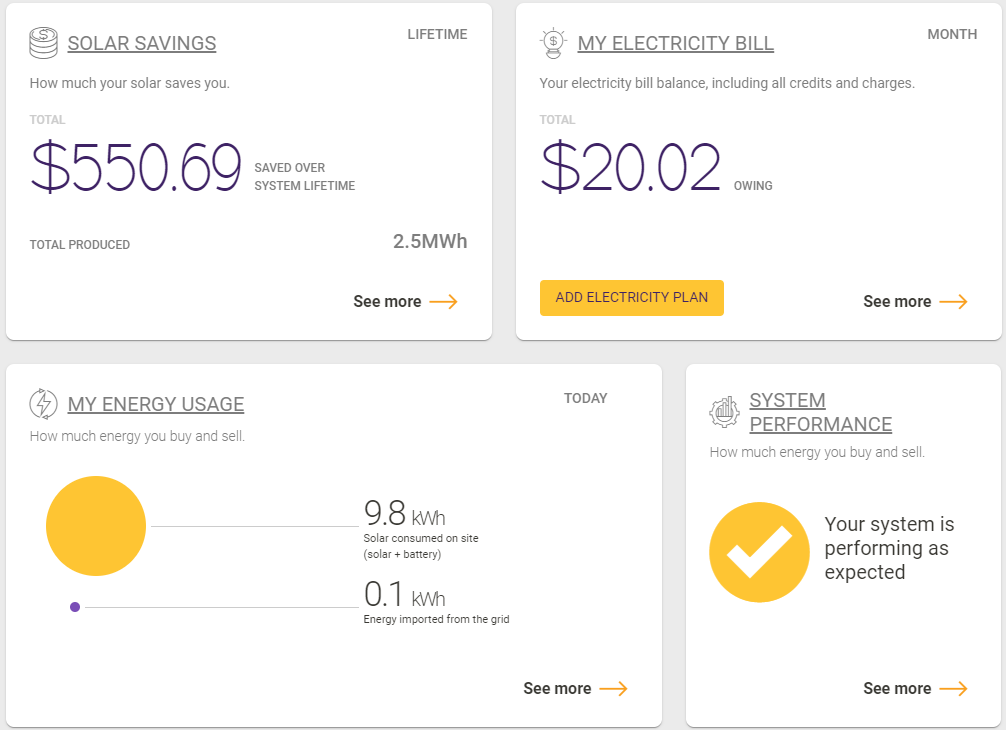
Section titled “Summary Cards”See a summary of all the main sections of the dashboard in one place! There are cards for Plan Optimiser, Solar Savings, My Electricity Bill, My Energy Usage (previously Consumption) and System Performance. Click on any card to access the page that it relates to!
Updated Navigation Menu
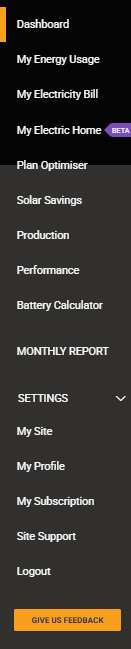
Section titled “Updated Navigation Menu”The updated navigation menu simplifies what we previously had. See all the settings (like My Site, My Subscription and My Profile) by clicking on the Settings drop-down.
***Pro Tip:***With the new dashboard you can just click through to the different sections via the cards. You don’t even need the navigation menu!