

Energy Plans Page - How do I update my 'Energy Plans' information on the dashboard?
The aim of this page is to provide guidance on how to utilise the Energy Plan feature on Solar Analytics dashboard.
To register or update your energy plan, please visit the ‘Energy Plans’ page from the menu bar on your dashboard.
Once inside, you’ll see an example plan we add so that we can give you approximate electricity bill and savings calculations. In order to get a fully personalised Solar Analytics Dashboard, you’ll need to update your electricity plan details.
How to add a new plan?
Section titled “How to add a new plan?”If you live in the Australian states of Queensland, New South Wales, Australian Capital Territory, South Australia, Victoria or Tasmania, you will see the option to add your plan details automatically or manually. Pick the ‘add plan automatically’ button for the former, and find more information on that here.
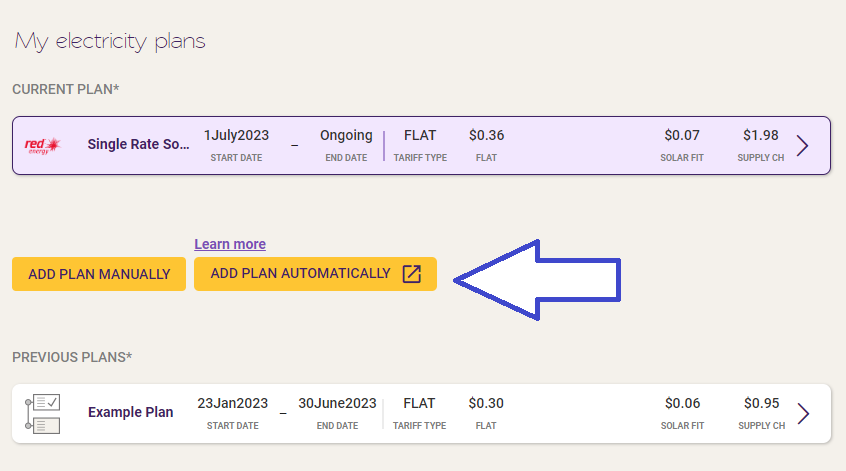
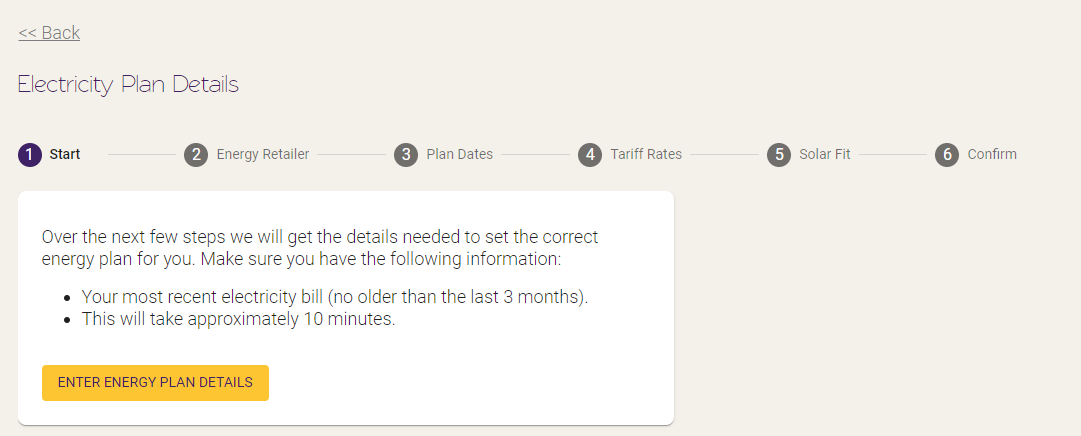
If you don’t see the option to ‘add plan automatically’ or your current retailer isn’t yet supported, you can still add your plan details manually by hitting the ‘Add new plan’ button and following the steps in the energy plan stepper.
How to update an existing plan?
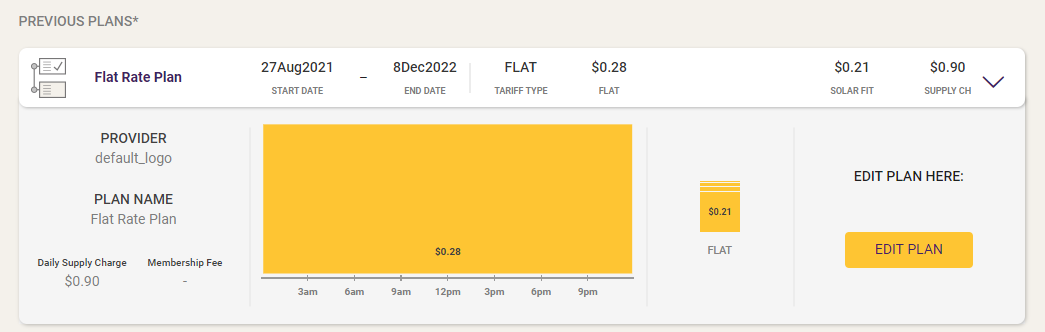
Section titled “How to update an existing plan?”If you’d like to edit your current plan or one of your historical plans, click on the current plan to show the expanded version, and then hit the ‘edit plan’ button.
Then use the steps at the top of the electricity plan stepper to navigate to the relevant step (or use the ‘next’ button to click through) and edit the relevant information.
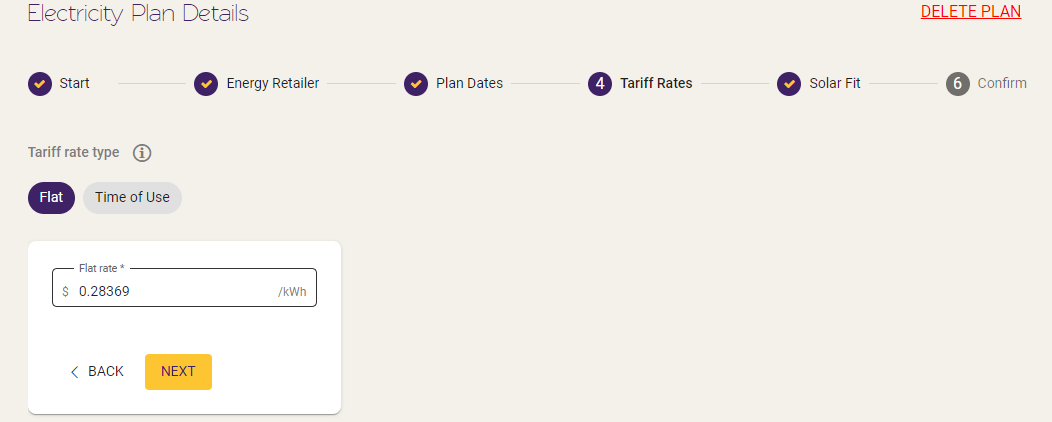
Once you’re at the last page, make sure you hit ‘Confirm’ to save your changes (or delete if you want to get rid of the whole thing).
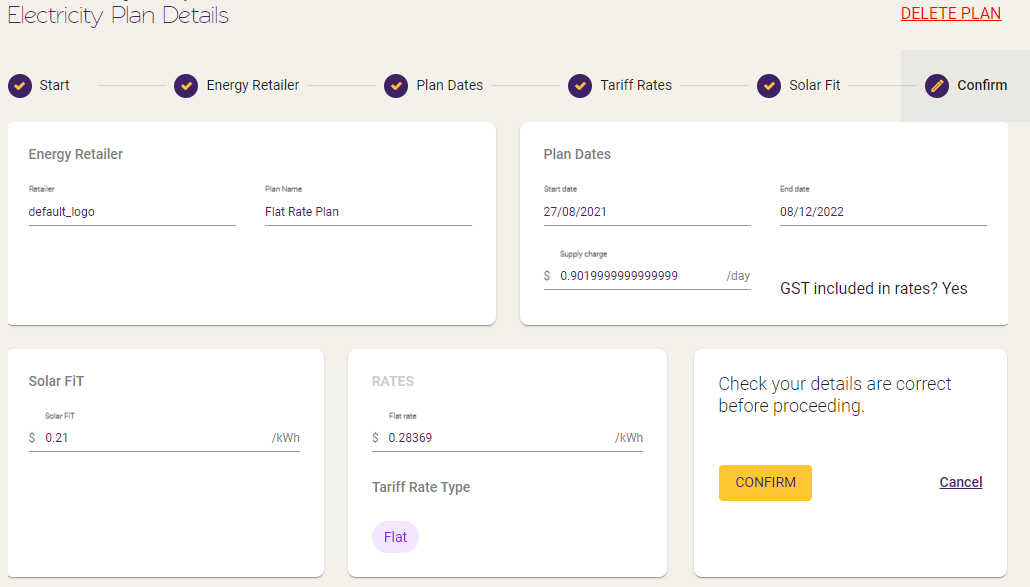
For more information on how to enter your rates after clicking ‘Add Plan’, check out the two articles below.