

My Site Page - Overview
Upon starting with Solar Analytics it is important to update your My Site page. This way you ensure your site details are correct and all calculations dependent on these details are accurate.
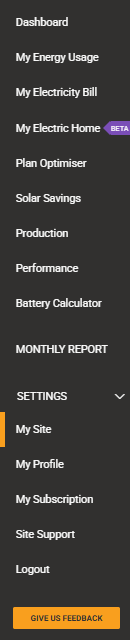
You can access the My Site page by clicking on the ‘My Profile’ tab on the left side of the dashboard.
Overview of the My Site page:
Section titled “Overview of the My Site page:”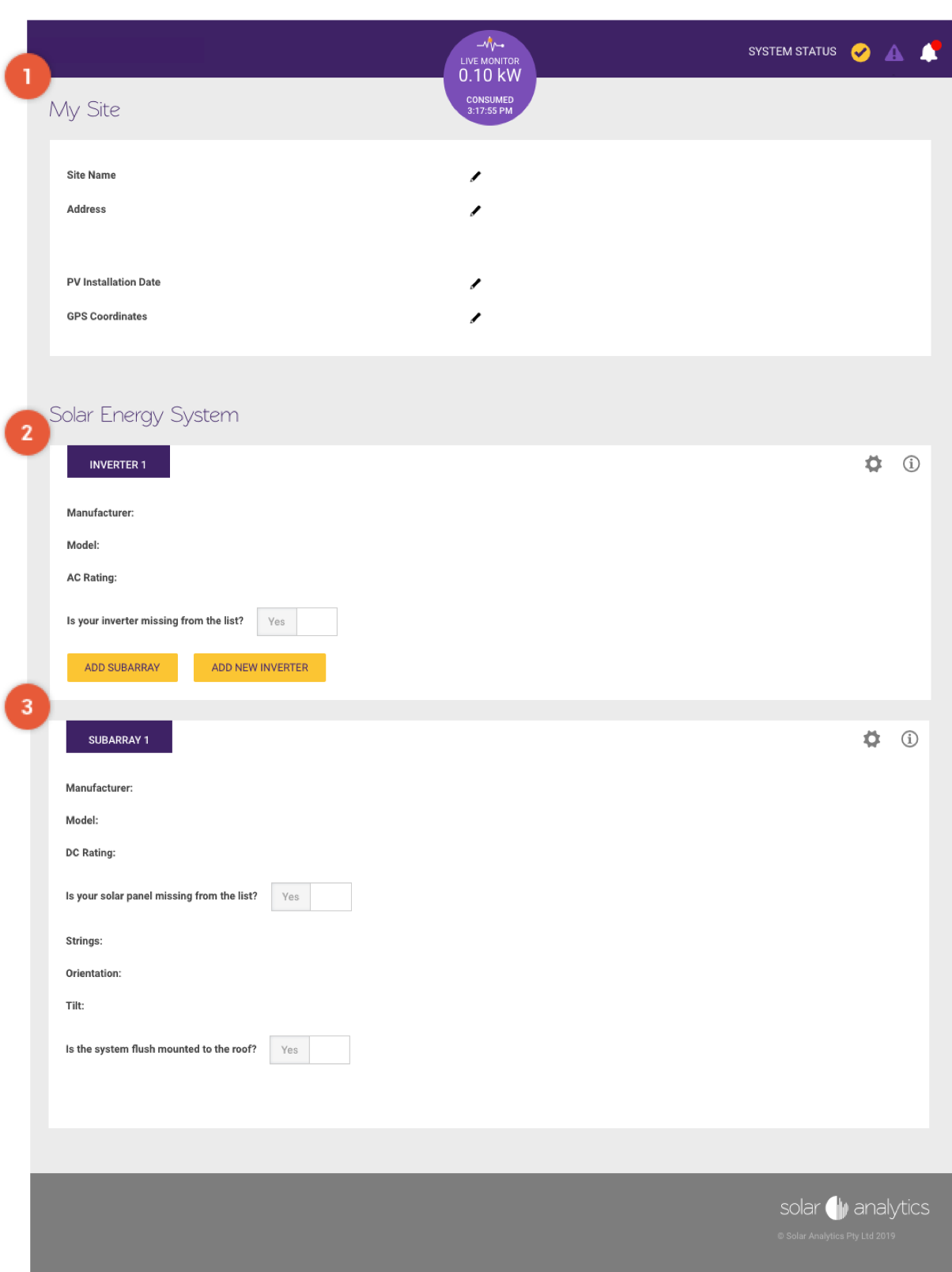
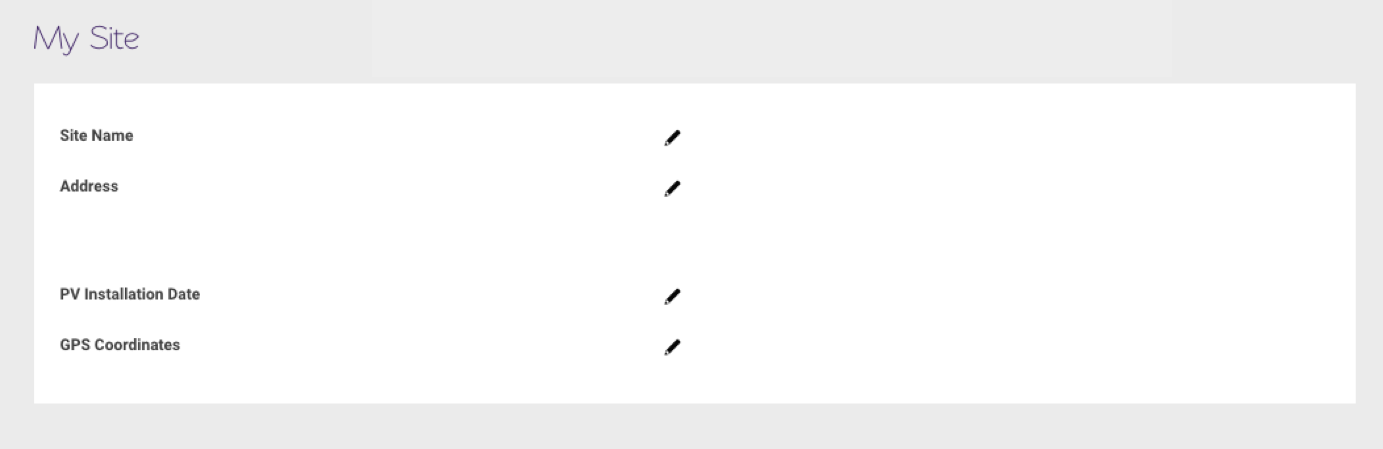
 My Site Details
Section titled “My Site Details”You should update your My Profile details when first logging into the dashboard. You can do this by clicking on the  icon corresponding to each field.
 Inverter Details
Section titled “Inverter Details”You can view and edit your inverter details here.
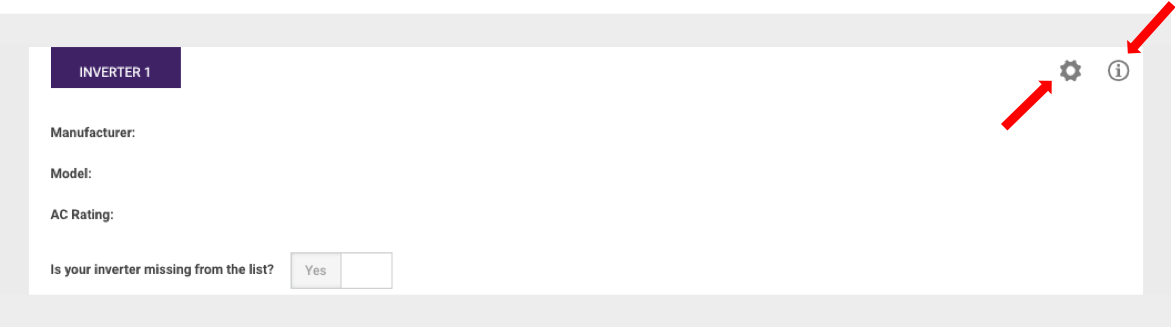
Clicking on the
icon gives you the option to edit, duplicate or delete your inverter.
Click on the
icon for more information on inverters.
These buttons below allow you to add a new inverter or subarray.
 Subarray Details
Section titled “Subarray Details”You can view and edit your subarray details here.
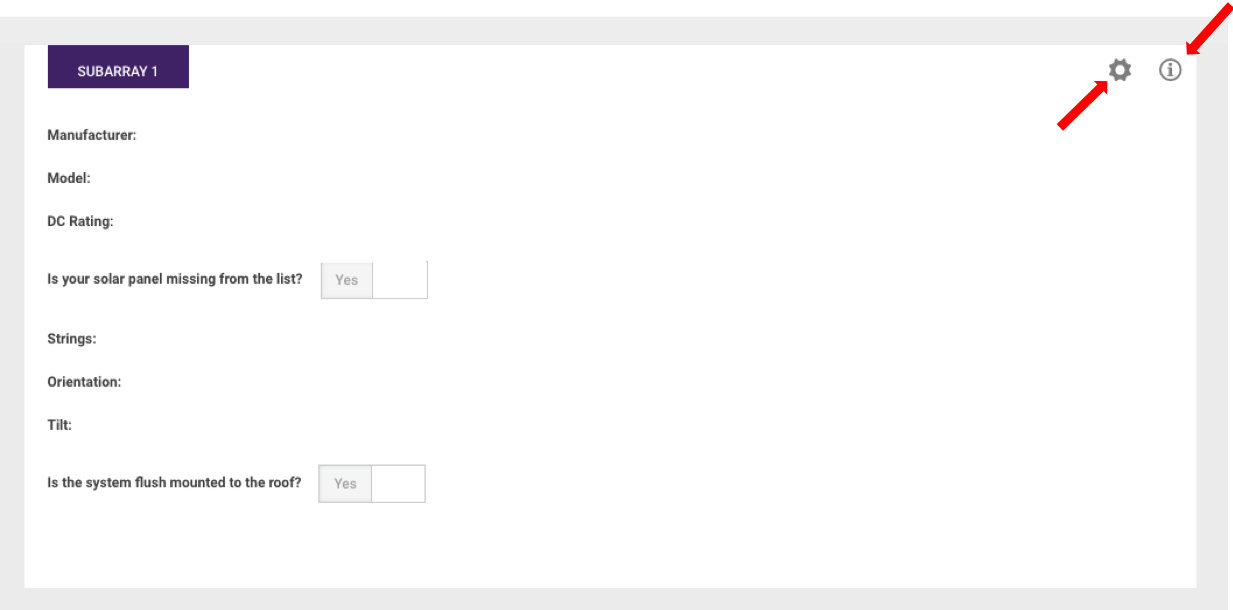
Clicking on the
icon gives you the option to edit, duplicate or delete your subarray.
Click on the
icon for more information on subarrays.
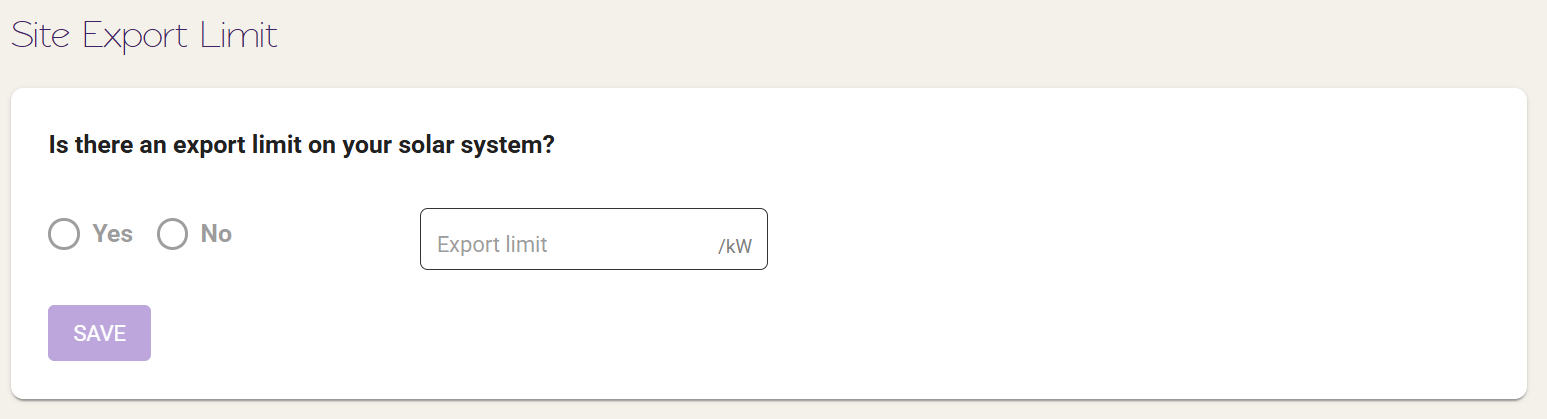
- Site Export Limit
- This can be edited if there is an export limit on your solar system. Type up the value and click Save.
FAQ
How do I add an additional device to an existing site?
Unfortunately, this functionality is not available yet. Installers will have to contact our Support Team by creating a ticket through ‘Contact Us > Miscellaneous > Dashboard related’ and out support team will get back to you shortly.