

Savings Page - How can I find out how much I have spent on electricity this quarter so far?
- Make sure that you have entered your ‘Daily Supply Charge’ and your ‘Flat Rate/Time of Use Charge’ on your ‘Energy Plans’ Page.
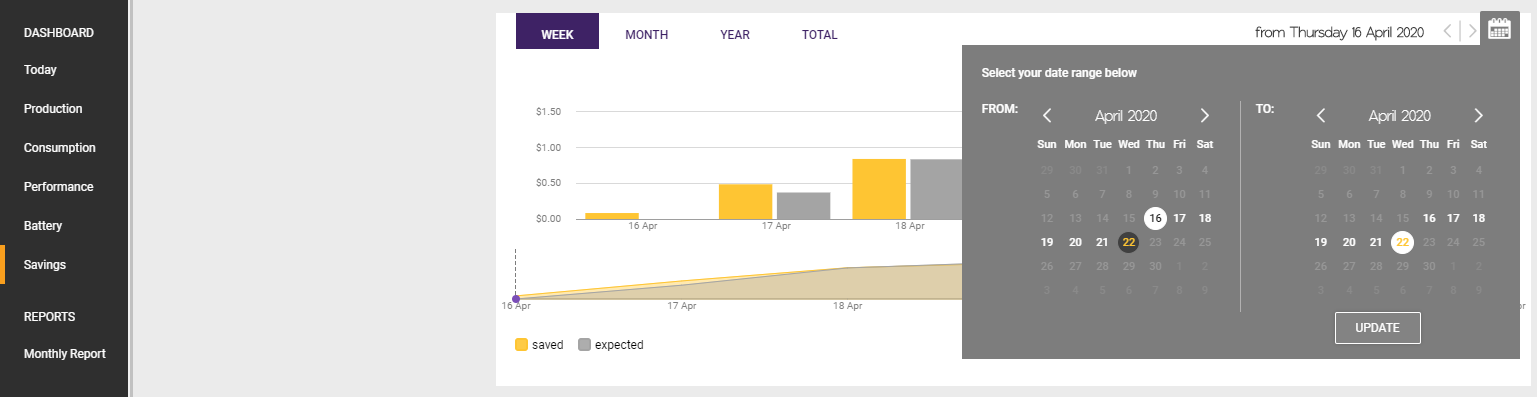
- Now on your ‘Savings’ Page, use the Calendar to select your billing period.
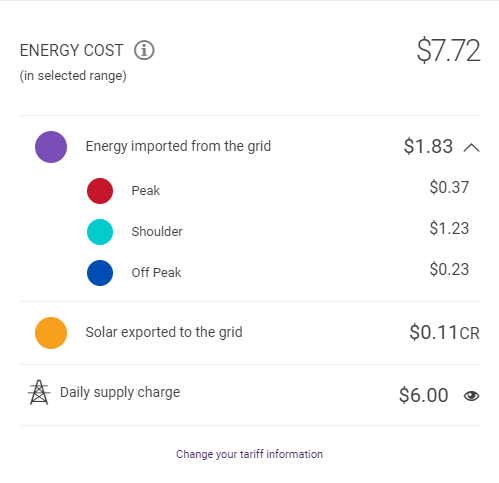
- The ‘Energy Cost’ now displays the total dollar amount of electricity that you have ‘spent’ so far during this billing period.
If you’re outside Australia, please check this important information.
© 2026 CATCH Power & Solar Analytics