

Monthly Report Page - Overview
The Monthly Report provides a summary of your site’s total system performance, production, consumption, and savings for the month.
We usually send a summary of this page to your email on a monthly basis too.
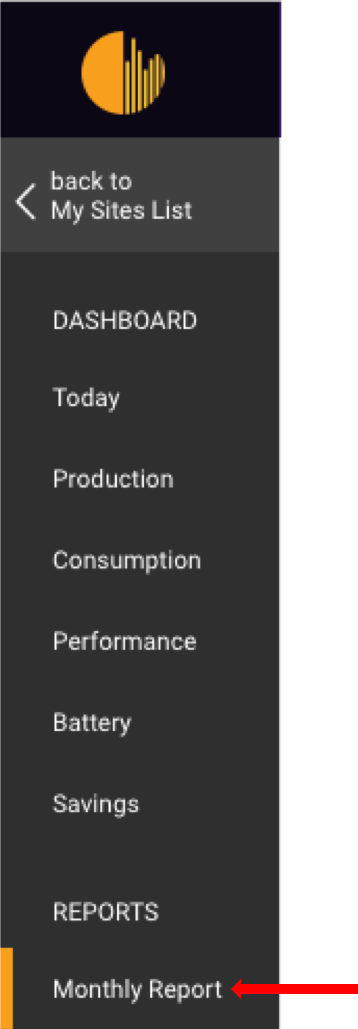
You can access the Monthly****Report page by clicking on the “Monthly Report” tab on left side of the dashboard.
Overview of the Monthly Report page:
Section titled “Overview of the Monthly Report page:”You have the option to select the report for a specific month on the calendar that you wish to learn about.
Month can be changed by clicking on  and
and  .
.
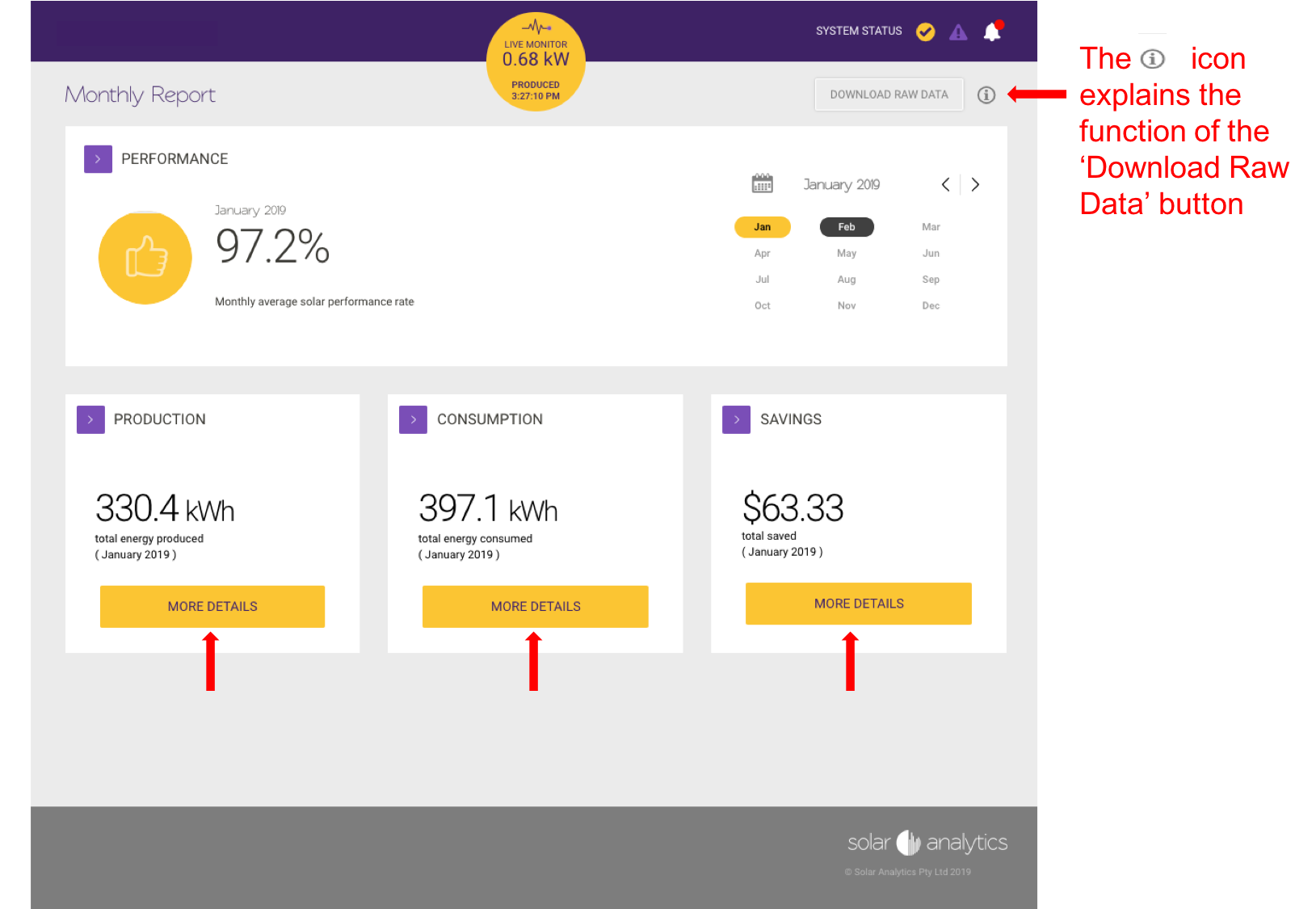
To find out more information on each section of the report, click on the ‘More Details’ buttons, and it will take you to the relevant pages.
© 2026 CATCH Power & Solar Analytics