

My Sites List
My Sites List
Section titled “My Sites List”This section will explain you how to access the Dashboard of any site belonging to your fleet.
You will first need to log in you Solar Analytics fleet Dashboard. From there you can click on the ‘My Sites List’ tab on the left side of the Dashboard.
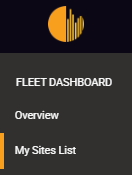
The ‘My Sites List’ page will display a list of all the sites present on your fleet whether they have been fully registered or partly registered or inactive.
Active Sites
Section titled “Active Sites”The list that appears under the ‘ACTIVE SITES’ tab is the list of the sites that are currently being monitored and whose registration has been completed.
The search bar will allow you to quickly access a specific site by typing its name, address or Identification Number (Site ID).
You can also sort the list according to the site name, address, ID, state or any other referencing parameter by clicking on the desired parameter.

The ‘Status’ here indicates the health of the site and notifies if any action is required on your end. It takes into account the diagnostics from both ‘Faults’ and ‘Performance’.
The three ‘Site Indicators’ is as below:

The site is working well and within our normal expectations.

Solar Analytics is aware of a possible problem with the site and is investigating. No action is required from you at this moment. If a problem is confirmed by Solar Analytics the status of the site will change to ‘Attention’.

Something is not right with the site and may require action by you. You should investigate the site by delving into the Performance, Faults and Live Data pages.
Performance and Fault Summary
Section titled “Performance and Fault Summary”This section details the ‘Performance’ and ‘Fault’ status as separate items, giving you better insights at a glance. They can be located upon clicking any one of the ‘active’ sites.

Pending Sites
Section titled “Pending Sites”When you click on the ‘PENDING SITES’ tab, a list of all the sites that haven’t yet been completely registered will appear.
Similarly, you can use the search bar to quickly find a specific site or you can sort the sites by the desired parameter.
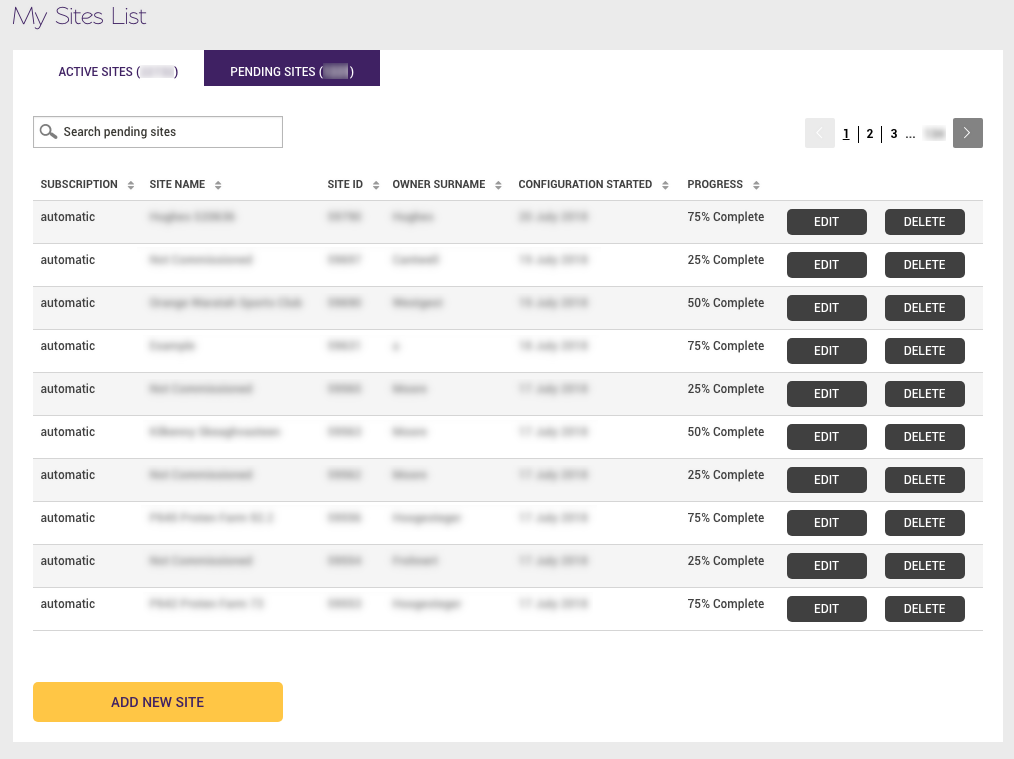
For each pending site you will have the possibility to click on the ‘EDIT’ button. This will take you back to the site registration page to complete it.
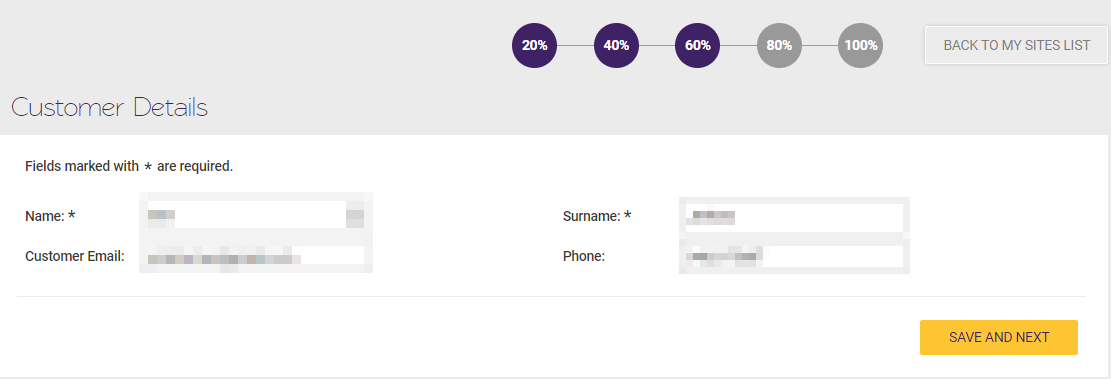
The ‘DELETE’ button will simply delete the associated pending site.
Inactive Sites
Section titled “Inactive Sites”This page list out sites that have been turned off or the end user has not renewed their subscription.

Add New Site
Section titled “Add New Site”This button will allow you to register new sites. Please refer to the site registration page for further details.