Dashboard Access
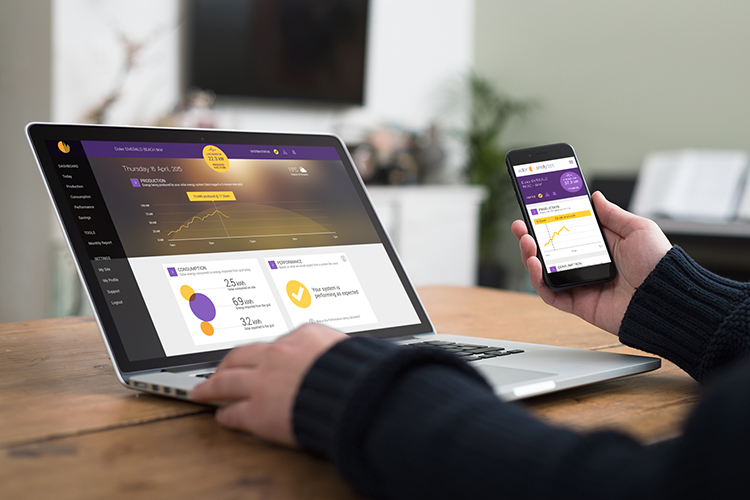
Your Solar Analytics dashboard can be accessed via mobile phone, tablet or computer. Learn how to access your dashboard to start monitoring your solar PV system.
Dashboard Access
Section titled “Dashboard Access”Your first step to understanding your solar and energy use
How do I get access to the dashboard?
Section titled “How do I get access to the dashboard?”Once your installer completes the site registration on our portal, an invitation email will automatically be sent out to set up your account.
In most cases, this will be sent out to the email address that you provided during the sales process with your installer.
A preview of the activation email can be found below. The email subject will say “Welcome to Solar Analytics”.
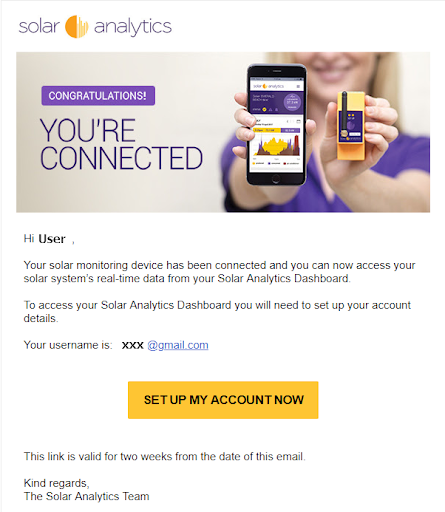
Click on the ‘SET UP MY ACCOUNT NOW’ button in the email to activate your account and set a password. Please note that this button can only be used once.
If you have not received the activation email 2 weeks after the Solar Analytics Monitoring device has been installed, please contact your installer office. It may be due to one of the following:
- Search for the activation email in your spam folder.
- Contact your installer to check;
- If your site has been registered.
- If the email address entered during registration is correct.
Where to access the dashboard?
Section titled “Where to access the dashboard?”Your Solar Analytics dashboard can be accessed via mobile phone, tablet or computer.
Accessing the dashboard by computer:
Copy the URL below into your internet browser. Alternatively, you can go to the Solar Analytics official website and look for the ‘Log In’ button at the top right corner.
Dashboard URL: https://my.solaranalytics.com/au/
Official website: https://www.solaranalytics.com/au/
Accessing the dashboard by table or mobile phone:
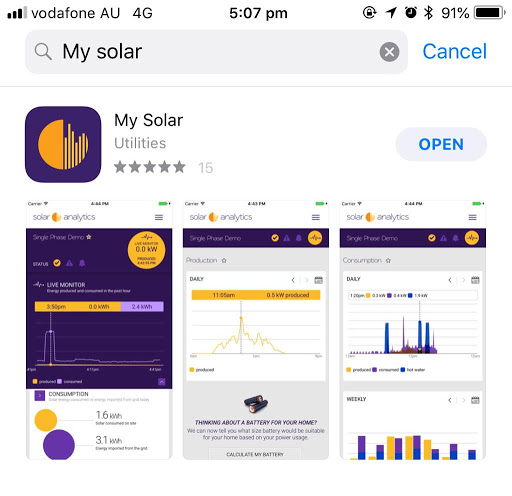
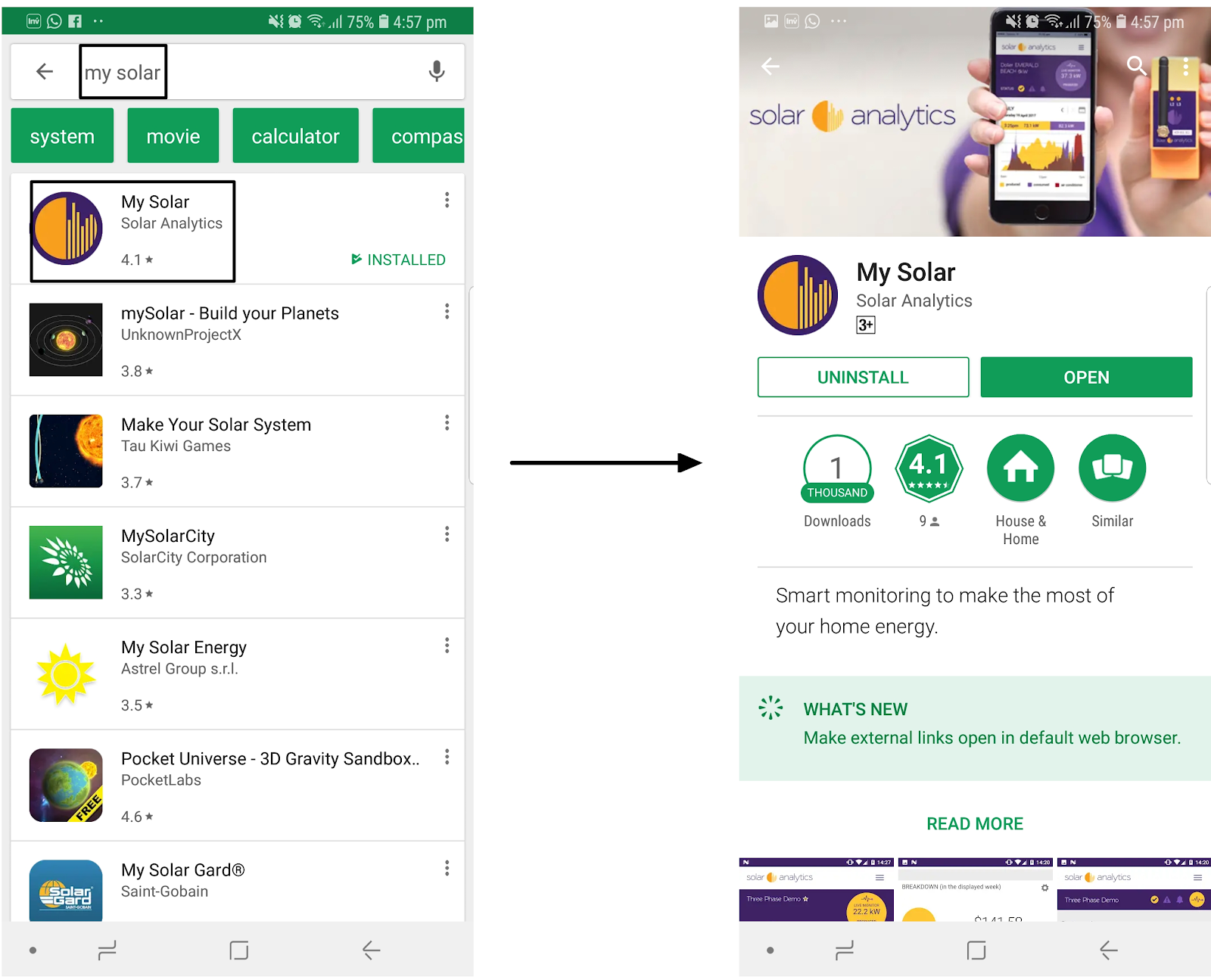
For Android or iOs users, you can download the ‘My Solar’ app from Google Play or App Store.