

Site Registration: Introduction
This section will outline the steps and information required to complete the Site Registration process for a new site where the Solar Analytics Monitor is about to get installed or has been installed.
Important Note:
Due to changing circumstances, from 1 July 2026, we will no longer support the commissioning of new sites with the Wattwatcher Classic solution. Where WIFi is available, the CATCH Control is our recommended solution.
Existing sites with Solar Analytics and Wattwatcher branded devices will continue to operate and receive support as usual. Existing sites can continue with their subscriptions and renewals, and all sites will continue to receive Solar Analytics dashboard and support, and warranty for Solar Analytics branded hardware.
For Solar Retailer/Reseller:
You will need Solar Analytics login to access your Fleet Dashboard to register the site.
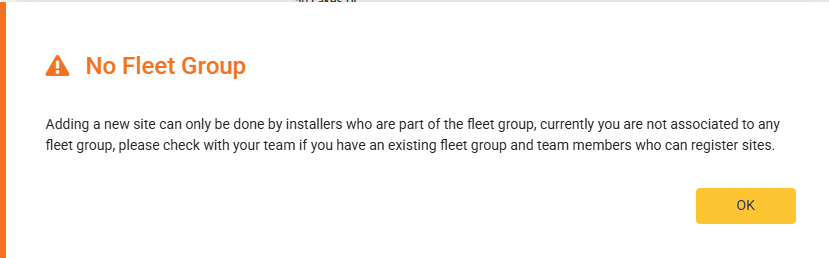
Installer will need to be part of a Fleet Group to be able to Add a New Site, otherwise a prompt showing below will pop up
For Contractors:
If you are contracting for a Solar Retailer/Reseller, you do not need to worry about the registration process. However, if you have been instructed to complete the site registration, please use your Solar Analytics login to access your Fleet Dashboard.
To start the Site Registration process, go to My Sites List on your Fleet Dashboard. The My sites List can be found in the Navigation column on the left.
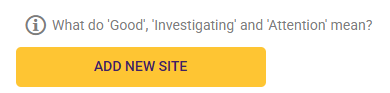
Once you are on the My Sites List, Click on the ADD NEW SITE button (shown in the image below) on the bottom of the page and this will take you to the beginning of the Site Registration Process.
The Site Registration consists of 5 pages:
-
Customer Details
-
Site Details
-
Solar Energy System
-
Devices and Subscription
-
Site Registration Summary