

Site Registration: Hardware Registration & Install Check Tool
Important Note: Due to changing circumstances, from 1 July 2026, we will no longer support the commissioning of new sites with the Wattwatcher Classic solution. Where WIFi is available, the CATCH Control is our recommended solution.
- Existing sites with Solar Analytics and Wattwatcher branded devices will continue to operate and receive support as usual.
- Existing sites can continue with their subscriptions and renewals, and all sites will continue to receive Solar Analytics dashboard and support, and warranty for Solar Analytics branded hardware.
Monitoring hardware section for OEM registration as below, for more accurate pricing please check our website here.
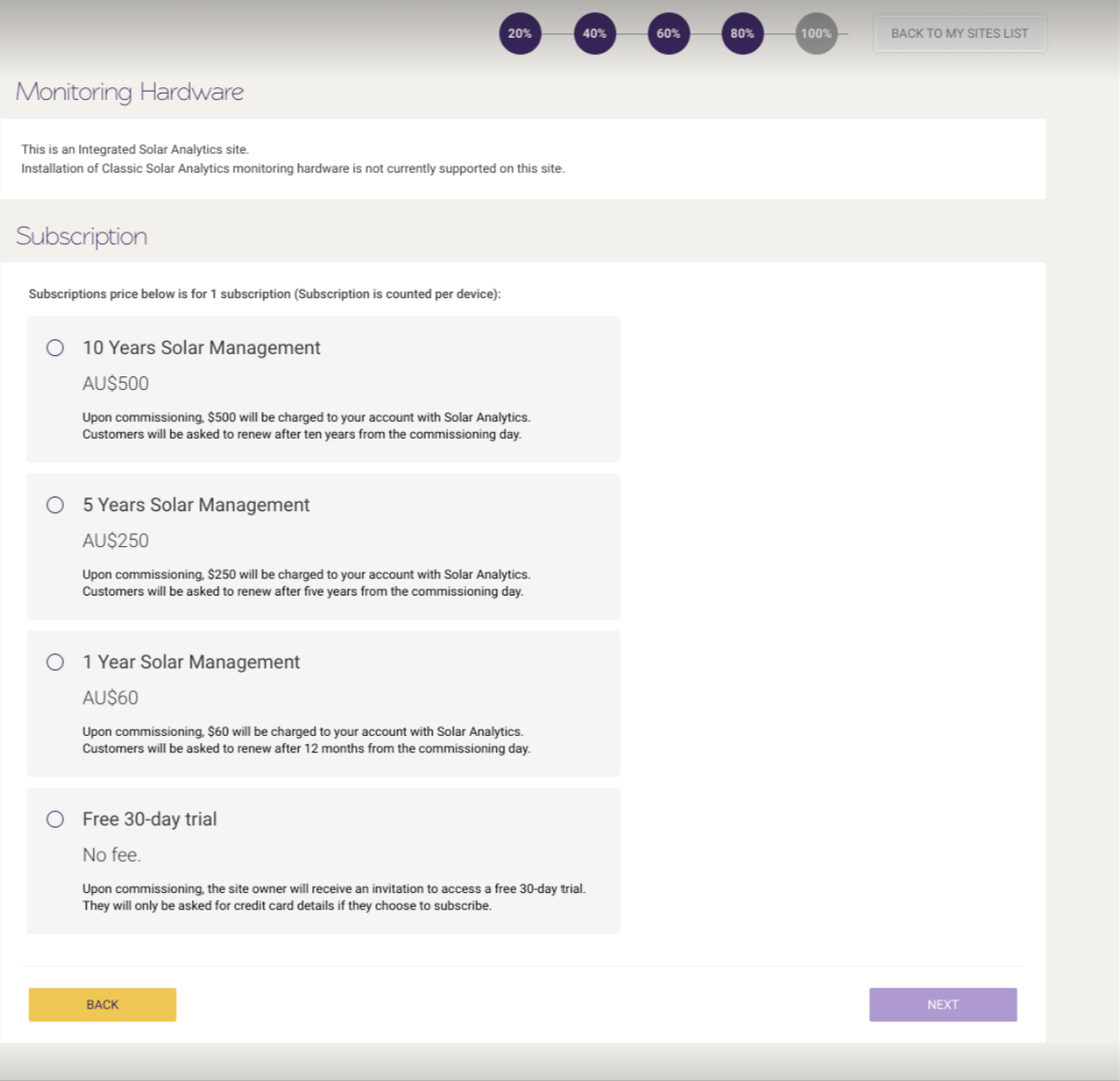
Install check-tool will no longer be applicable as this is only for Classic/Wattwatcher integrated solution.
© 2026 CATCH Power & Solar Analytics