

I've recently gotten a Solar Analytics device installed. How do I access my data?
Learn how to access the solar analytics dashboard after your monitoring hardware is installed.
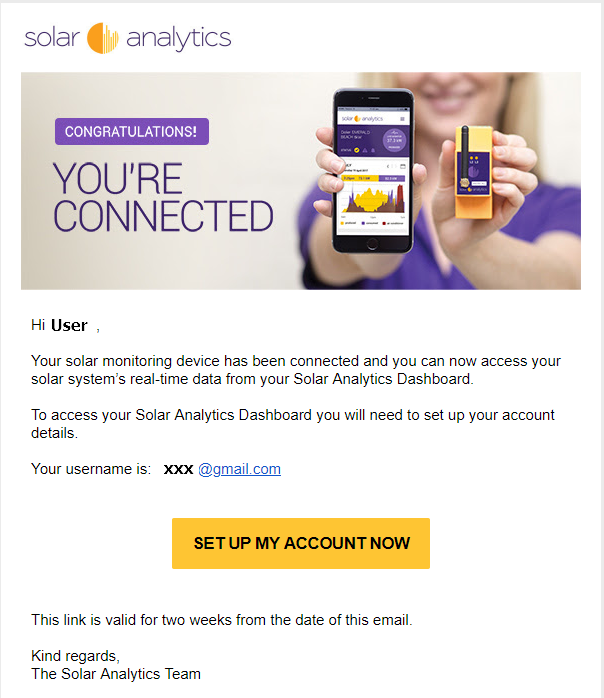
Once your site is registered on our Dashboard by your installer, Solar Analytics will automatically send an invitation email to set up your account. Click on the ‘Set Up My Account’ button in the email to activate and set your login password.
The link in the email expires after two weeks, so it is recommended that you get your account activated as soon as possible. If your link has expired, follow the directions here to generate a new welcome email.
A preview of the activation email can be found below. The email subject will say ‘Welcome to Solar Analytics’.
If you have not received this email within two weeks after your monitoring device has been installed, please contact your installer. It may be due to one of the following:
- The installer has not yet registered your site
- Your email address is either missing or incorrect