

How to reset my password?
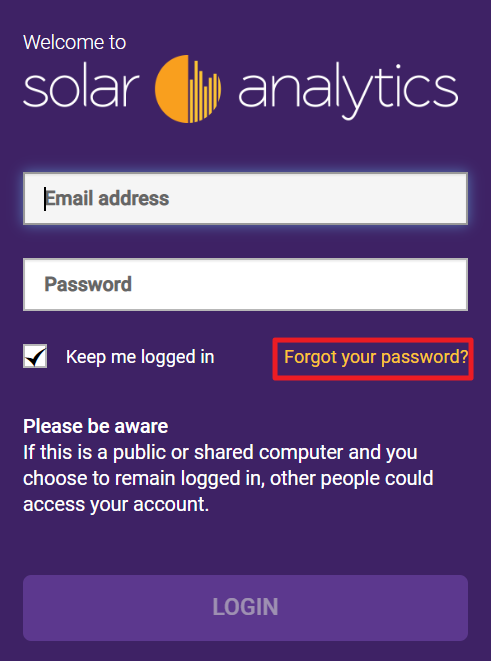
In case you have forgotten your password, please click on ‘forgot your password’ link on Solar Analytics login page to reset your password. A snapshot of what it looks like can be found below.
Our login page can be accessed by going to our official website and there will be a login tab at the top right hand corner.
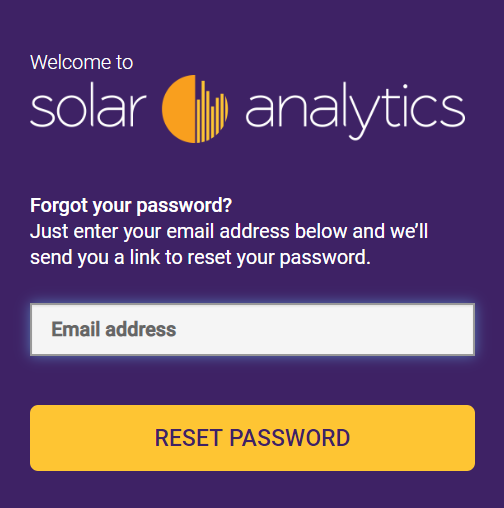
Once clicked, it will request you to enter your previous login email to send the reset password link.
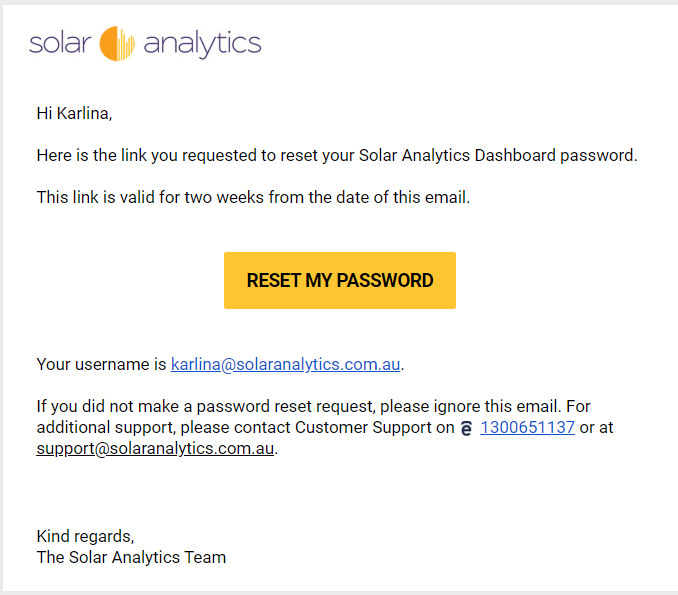
It will generally takes up to about 5 minutes for you to see it in your inbox (i.e a snapshot of the reset password email can be found below). If you haven’t received it in the next 30 minutes, chances are that it may be caused by the following:
- incorrect login email
- your account doesn’t exist on our system yet (i.e please contact your reseller to check if they have register your site on Solar Analytics portal)
© 2026 CATCH Power & Solar Analytics