

Renewing on behalf of site owners
In the event that the installer has to manage the subscription renewals of the sites. Please follow the steps below:
Step 1: Ensure that the site you are renewing belong to your fleet group. This can be seen from Fleet Dashboard > Team Management
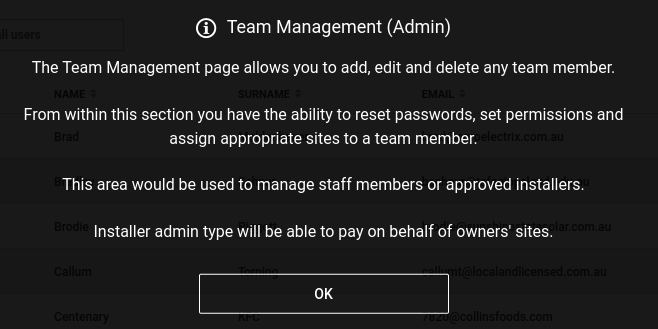
Step 2: Please check your user type, only Installer_Admin type can renew sites on behalf of owners.
Step 3: Once step 1 and step 2 are correct, go and select your site in your fleet dashboard. When a site is inactive, it will redirect you to the payment page plan for you to select the payment plan. Only 3 types of payment plans are available: 1 year, 5 year and 10 years. And all of these payment plans are once-off payment. They are not recurring.
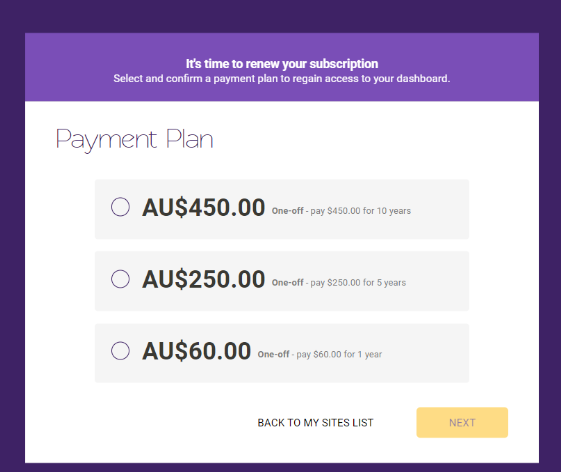
Step 4: Select the payment plan and Press next and enter your credit card details.
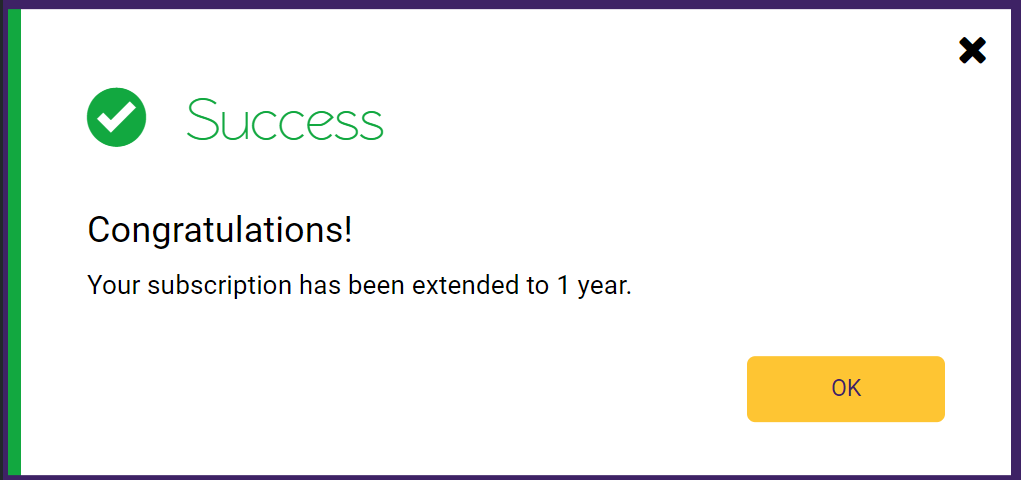
Step 5: When it’s done you will receive the message below (depending on which payment plan you have received)
Step 6: You will be redirected back to My Sites Page
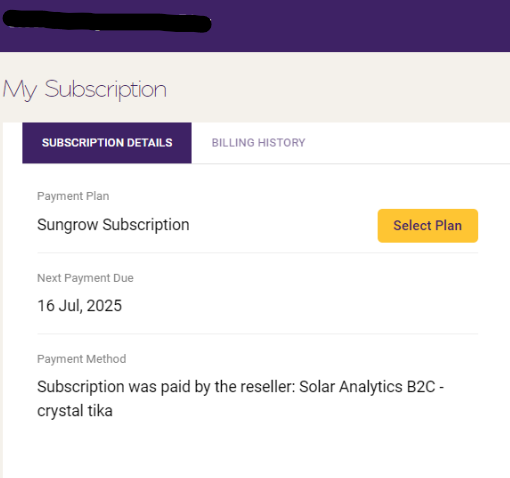
Step 7: Enter the site id that you have just renewed and when you check My Subscription page, it will have a status of “Subscription has been paid by Reseller - [Installer Company] - [Installer name]
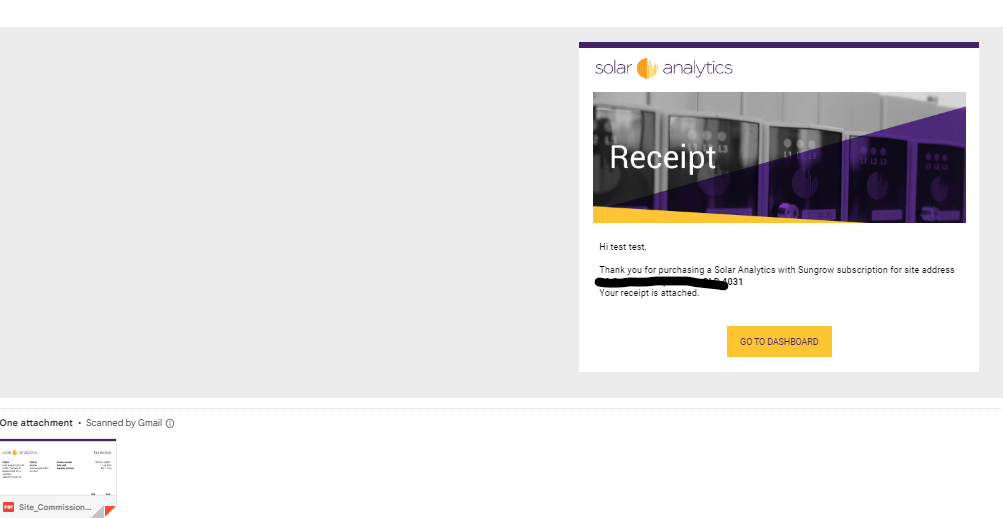
Step 8: Installer_admin will receive the receipt to their email address
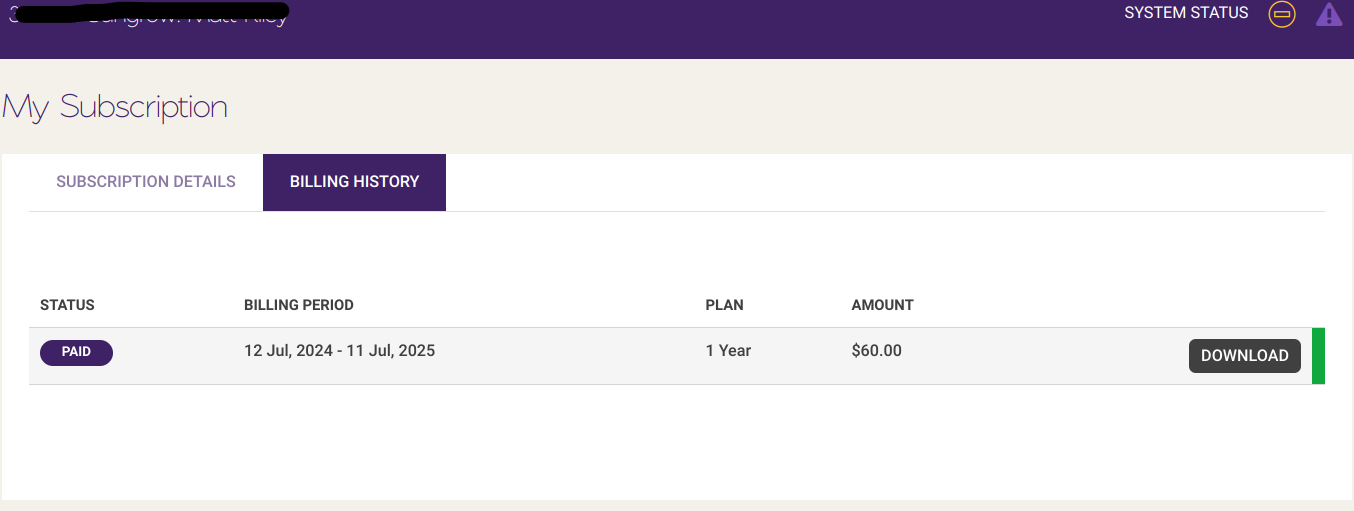
Step 9: My Subscription > Billing History > Download receipt is also available for installer_admin
Please note that this is not available for owners to see, so owners can request to see by contacting installer_admin
If you have further questions, please do not hesitate to contact us.